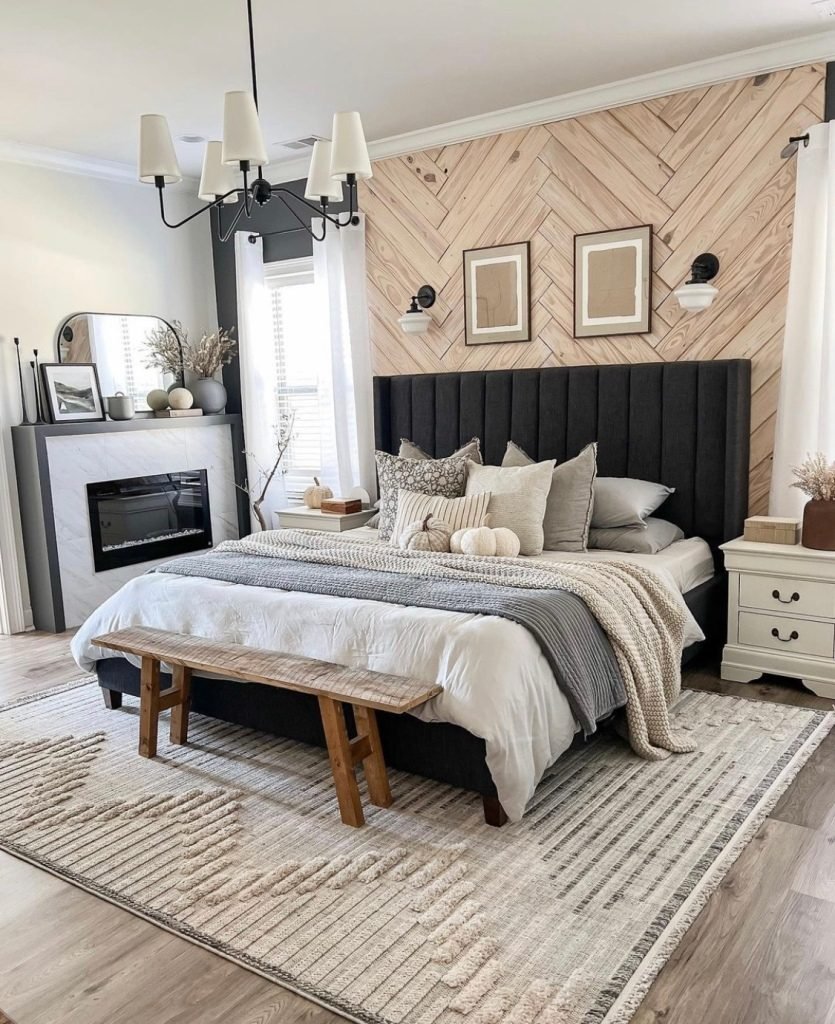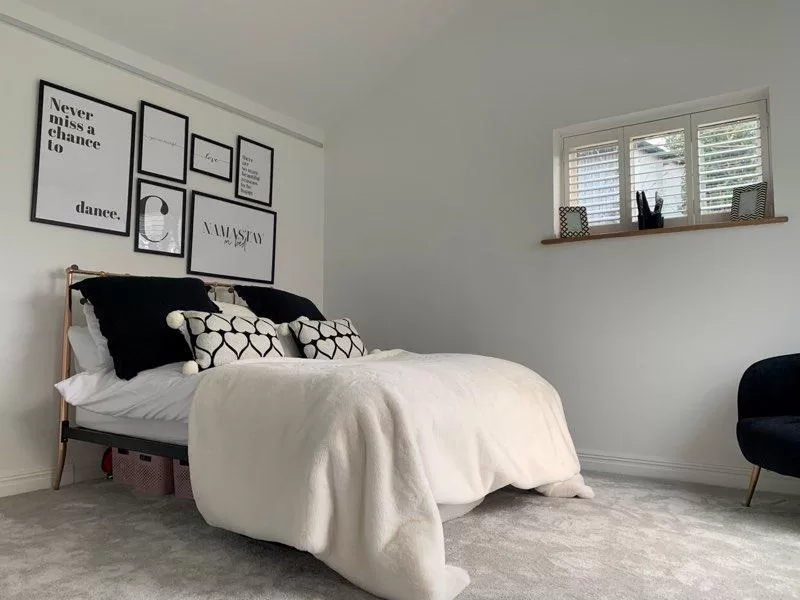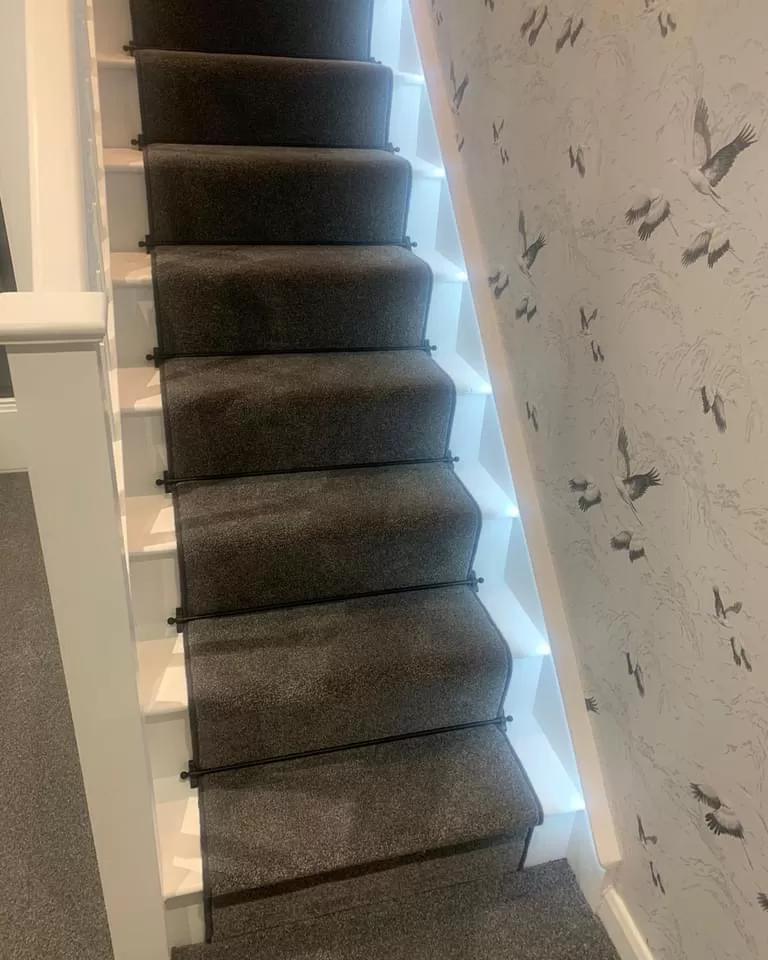
Designing a room is much easier when you can see the idea before buying anything. A sofa may look perfect on a product page but feel oversized once it enters the space. A paint color can look warm online and unexpectedly cool under your actual lighting.
AI room visualization helps reduce that guesswork. Instead of relying only on mood boards and imagination, you can test layouts, furniture styles, colors, and materials against a digital version of your room before committing to expensive purchases.

Start With Accurate Room Measurements
AI works best when your starting information reflects the real space.
Measure wall lengths, ceiling height, windows, doors, built-ins, fireplaces, and other fixed features. Note the position of radiators, vents, outlets, and anything else that affects furniture placement.
Photograph the room from several angles in good natural light.

Record the Details That Matter
Keep a simple room sheet containing:
- Wall dimensions
- Ceiling height
- Door and window positions
- Existing furniture sizes
- Floor material
- Fixed architectural features
- Main walking routes
- Natural light direction
This gives you a physical reference when evaluating AI-generated ideas later.
Use AI to Explore Different Room Styles
Once you have a clear record of the space, start experimenting with full-room concepts.
An AI interior design platform such as Onton allows users to upload room images, generate new interior concepts, restyle spaces, add furnishings, and organize ideas visually. Its Imagine tools can be used to test different layouts, aesthetics, and furniture directions before purchasing.
Generate several distinct versions rather than stopping at the first attractive result.
You might compare warm minimalism, modern organic, traditional, contemporary, or Scandinavian styles using the same room as a base.
The purpose is not to copy one image exactly. It is to identify which elements consistently make the room feel better.
Change One Design Variable at a Time
Once you find a direction you like, make smaller changes.
Keep the furniture layout fixed and test different wall colors. Then keep the palette unchanged and compare rugs. After that, experiment with lighting.
This controlled approach makes it easier to understand what is actually improving the design.
If the flooring, furniture, paint, artwork, and lighting all change simultaneously, you may like the final image without knowing which decisions made it successful.
Test Furniture Scale Before You Buy
AI can suggest proportions, but real measurements should decide whether furniture fits.
Use generated images to estimate the visual scale you want. Then compare actual product dimensions with your room measurements.
Painter’s tape works well for testing large pieces.
Mark the exact footprint of a sofa, bed, dining table, or cabinet directly on the floor.
Check Clearance Around
- Sofas and coffee tables
- Dining chairs
- Beds and nightstands
- Cabinets
- Door swings
- Walkways
- Storage drawers
A product can technically fit while still making the room difficult to use.
Build a Realistic Color Palette
AI makes color testing faster because you can create several versions of the same room without physically repainting it.
Start with materials that will remain, such as flooring, countertops, cabinetry, or a large sofa.
Then test wall colors and accent tones around those fixed elements.
Look carefully at undertones. Beige, gray, white, and wood finishes often lean warmer or cooler than expected.
Once you narrow the options digitally, order actual samples.
Screen colors are useful for comparison, but they should not determine the final paint or fabric choice.
Compare Materials Together
A well-designed room depends on how materials interact.
Wood, stone, upholstery, metal, glass, tile, and paint can all look good individually and still feel disconnected when combined.
Use AI to experiment with different material relationships.
For example, try dark walnut with brushed brass, light oak with matte black metal, or honed stone with textured linen.
After narrowing the choices, place real samples together under the room’s actual lighting.
Texture and reflectivity are difficult to judge accurately from a rendered image alone.
Visualize Day and Night Separately
Lighting changes how a room looks more than most people expect.
A design that feels bright and balanced during the day may become flat or overly dark after sunset.
Generate or evaluate daytime and evening versions separately.
Think in layers rather than relying on one ceiling fixture.
Ambient lighting provides general brightness. Task lighting supports activities such as reading or cooking. Accent lighting highlights artwork, shelving, or architectural details.
Your AI concept should help you understand where those layers need to sit.
Use AI to Solve Difficult Layout Problems
AI visualization is particularly useful for awkward rooms.
Long living rooms, open-plan spaces, rooms with multiple doors, sloped ceilings, and unused corners can be difficult to furnish from a standard floor plan.
Try several zoning ideas.
A long room might be divided into a conversation area and reading zone. An empty corner could become a compact office, storage area, or lounge space.
Look at circulation as carefully as appearance.
A visually impressive layout is not successful if people have to walk around furniture every time they cross the room.
Build a Visual Product Board
Once you begin identifying real products, organize them in one place.
Onton’s Canvas, for example, lets users combine products, inspiration images, AI-generated room concepts, and notes within a visual workspace. Products can also be searched from inside the board.
This makes it easier to compare individual products against the overall room rather than shopping for each piece separately.
Place the sofa, rug, lighting, side tables, artwork, and major finishes together.
You may quickly notice that one item feels too heavy, too warm, or too decorative compared with everything else.
Turn AI Images Into Shopping Specifications
Do not try to locate every exact object in an AI-generated room.
Instead, identify the characteristics that make each piece work.
For example, the successful sofa may have:
- A low back
- Rounded arms
- Neutral upholstery
- Visible legs
- A width around 90 inches
Those characteristics become your shopping criteria.
The same method works for tables, rugs, lighting, cabinets, and artwork.
Shopping from specifications is much more practical than trying to duplicate a generated image exactly.
Test the Room Before Making Final Purchases
Before placing major orders, create one final version of the design.
Use the closest possible representation of the actual products, materials, and colors you are considering.
Then step away from the design for a day and review it again.
Check whether the room has a clear focal point, whether furniture proportions feel balanced, and whether every major purchase has a practical role.
Remove unnecessary pieces before adding new ones.
A room often improves when one extra chair, side table, or decorative item is removed.
Use AI as a Decision Tool
AI can make interior planning faster, but its biggest value is not producing beautiful images.
It helps you make better decisions before spending money.
Use it to compare styles, test layouts, study furniture proportions, build color palettes, and explore material combinations.
Then verify every major decision using real measurements, physical samples, and actual product specifications.
The best dream room is not the one that looks perfect in a generated image. It is the one where the digital idea still works once the furniture, lighting, materials, and people are placed inside the real space.